


Ever promised a customer equipment that wasn't available? Or discovered damage just before the next rental? These surprises cost time, money, and customer trust. Learning how to keep track of equipment inventory helps prevent them.
The rental equipment market could grow from $406.19 billion in 2025 to $2,827.11 billion by 2035, according to one industry forecast. With growth comes greater pressure to track equipment accurately and meet customer demand.
This guide covers seven practical steps to simplify equipment tracking. You'll learn to organize records, choose tracking tools, manage maintenance, and avoid common mistakes. Let's make your rental operations easier to manage.
How to Keep Track of Equipment Inventory: 7 Practical Steps
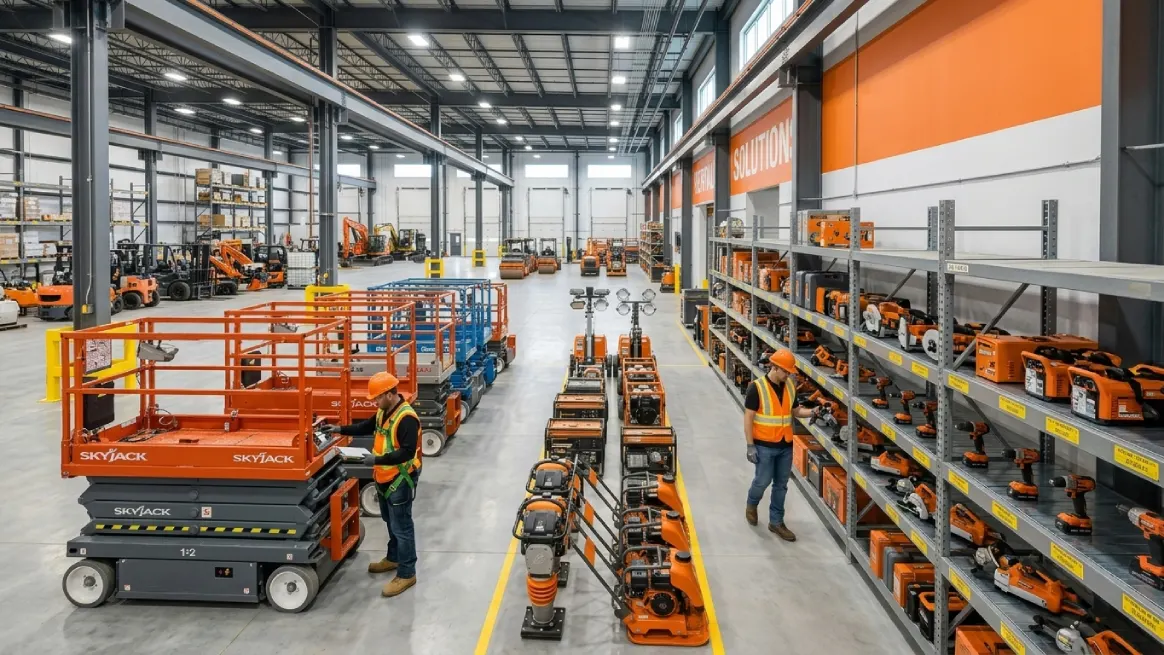
Good equipment tracking starts with a clear plan. Before choosing tools or updating records, you need to know what you own. These seven practical steps will help you build a reliable inventory system.
1. Create a Complete Equipment Inventory List

Want to keep your equipment organized? Start with a clear list of everything your business owns. Walk through your warehouse, storage yard, and vehicles. Include items at customer sites, in transit, or awaiting repairs.
Record each item's name, asset ID, serial number, location, condition, purchase date, and status. Add purchase costs and maintenance history when useful. These details help your team identify equipment and check its availability.
Next, compare your list with your actual equipment. Look for missing items, duplicate records, and incorrect serial numbers. Use suitable inventory counting methods to match your team's needs and schedule. Remove sold equipment from your active inventory.
Keep all records in one organized system. Update them whenever equipment moves, returns, or needs repairs. Accurate records give your team a reliable starting point. They also make equipment availability easier to manage.
2. Assign a Unique ID to Every Item
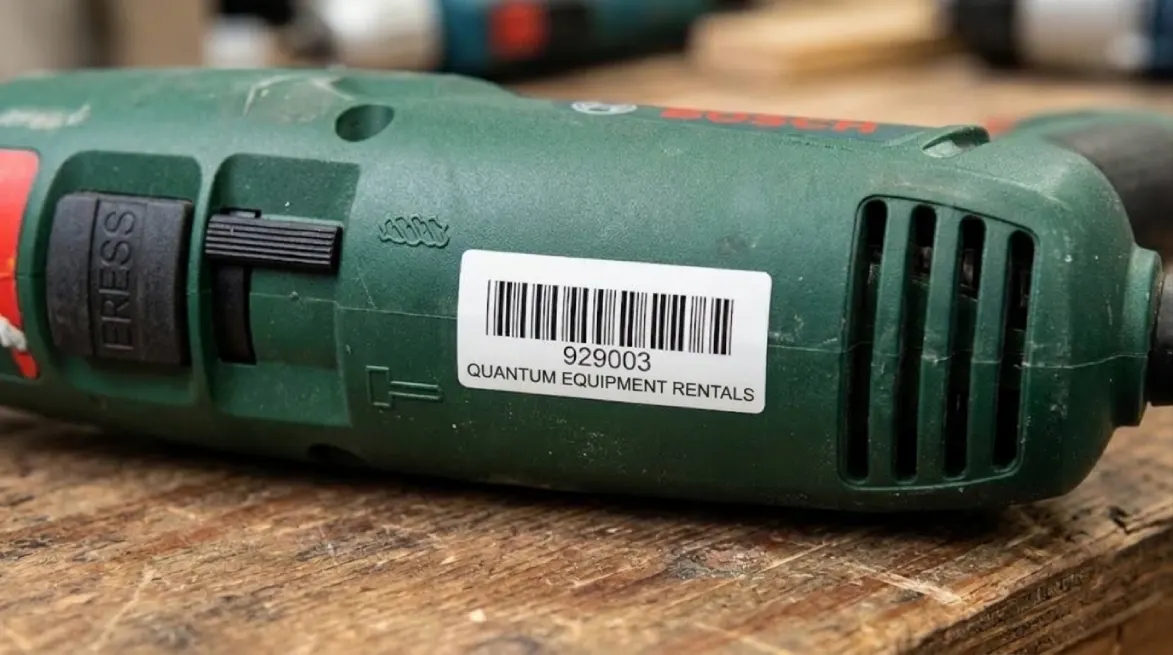
A clear inventory list is a great start. Now, give every piece of equipment its own unique ID. This helps your team identify the right item quickly. It matters even more when several items look alike.
For example, label three pressure washers PW-001, PW-002, and PW-003. Staff can then connect each unit to its rental, return, inspection, or repair record. Keep IDs short, readable, and consistent across your records.
Never assign the same active ID to different items. Also, keep asset IDs separate from manufacturer serial numbers. Each serves a different purpose in your inventory system.
Make Equipment Labels Easy to Find
An asset ID works best when staff can find it. Use clear, durable labels that match your equipment's working conditions. Outdoor machinery may need labels that resist water, sunlight, dust, and grease.
Valuable equipment may also benefit from tamper-resistant tags.
Place each label where staff can scan it safely. Never cover controls, safety instructions, or manufacturer information.
Check labels during routine inspections and replace damaged ones promptly. A consistent equipment labeling approach helps staff identify the right unit during checkouts, returns, and repairs. It also keeps physical inventory checks simple and reliable.
Use Barcodes to Make Identification Faster
Handling frequent rentals? Barcodes can help your team work faster. Staff can scan an item instead of typing its ID. This saves time during checkouts, returns, and equipment transfers.
Traditional barcodes use lines and spaces to store data. QR codes and Data Matrix codes store data in two dimensions. Choose an option that fits your labels, scanners, and working conditions.
Different barcode types offer different benefits, so consider your equipment and daily workflow.
Remember, a barcode alone cannot confirm availability or location. Your tracking system must record those details after each scan.
For example, scan equipment when it leaves storage. Scan it again when it returns, recording any changes. Check labels regularly to prevent scanning problems.
3. Choose the Right Equipment Inventory Tracking Method
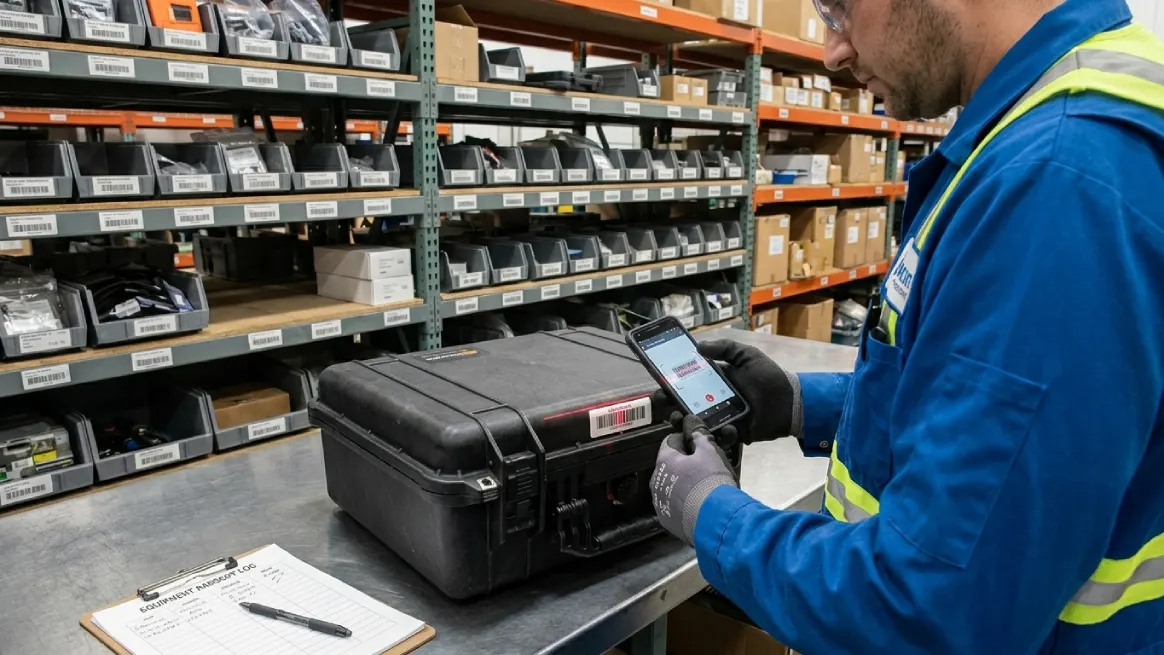
The best tracking method depends on your equipment and daily workload. Think about how often items move and who updates records. A simple system may work well when your inventory stays small. As rentals grow, your team may need better tools.
Compare each method's cost, accuracy, and ease of use. Also, consider how quickly staff can update equipment records.
| Tracking method | Best suited for | Main limitation |
|---|---|---|
| Paper logs | Very small inventories | Difficult to search and share |
| Spreadsheets | Small, stable operations | Require manual updates |
| Barcode tracking | Frequent checkouts and returns | Need labels and scanning tools |
| Rental management software | Growing rental businesses | Requires setup, training, and budget |
Select a system that fits your team's routine and is easy to update regularly. Regular updates matter more than features your team rarely needs.
Paper Logs and Spreadsheets: Simple but Manual
Paper logs and spreadsheets offer an affordable starting point. You can record equipment details without buying specialized software. They work well when your inventory stays small and stable.
However, these methods rely on timely, accurate updates. Someone might record a return while another checks outdated information. This can lead to incorrect availability records and booking mistakes.
A larger inventory often makes it tougher to find old transactions. Multiple workers can create inconsistent entries across different spreadsheets. These problems increase when teams manage equipment across several locations.
If you use spreadsheets, maintain one shared master file. Assign clear responsibility for updates and limit editing access. Back up records regularly and compare them against physical inventory. These simple habits help your team catch errors early.
Barcode Tracking: Faster Identification
Barcodes help your team identify equipment without typing every detail. Staff can scan labels during checkouts, returns, and transfers. This makes busy rental periods easier to manage.
Scanning works especially well when several tools look alike. It can also reduce typing errors when staff scan correctly.
However, scanning alone cannot confirm where equipment is or whether it's available. Your connected system must record scans and update item details. Damaged labels and missed scans can still cause problems.
Set clear scanning procedures for every equipment movement. Check that each scan updates the correct item's status. Consistent habits help your team maintain accurate inventory records. They also make equipment identification faster and more reliable.
Rental Management Software: Connected Records
Rental management software helps connect inventory with daily rental operations. Your team can access equipment information alongside bookings and customer records. This reduces the need to search separate files.
Choose features that help your team handle everyday tasks. Some teams need basic inventory records and booking coordination. Others may need barcode scanning or multiple-location tracking.
Compare asset tracking for equipment rentals options against your daily workflow. Choose features that solve real problems for your team.
Rental management software like RentMy brings inventory information together with bookings and other rental operations. It also supports barcode tracking to help identify equipment.
For businesses outgrowing spreadsheets, connected records can reduce repetitive administrative work. They can also help teams coordinate bookings and equipment availability more effectively.
4. Track Equipment Checkouts, Returns, and Availability
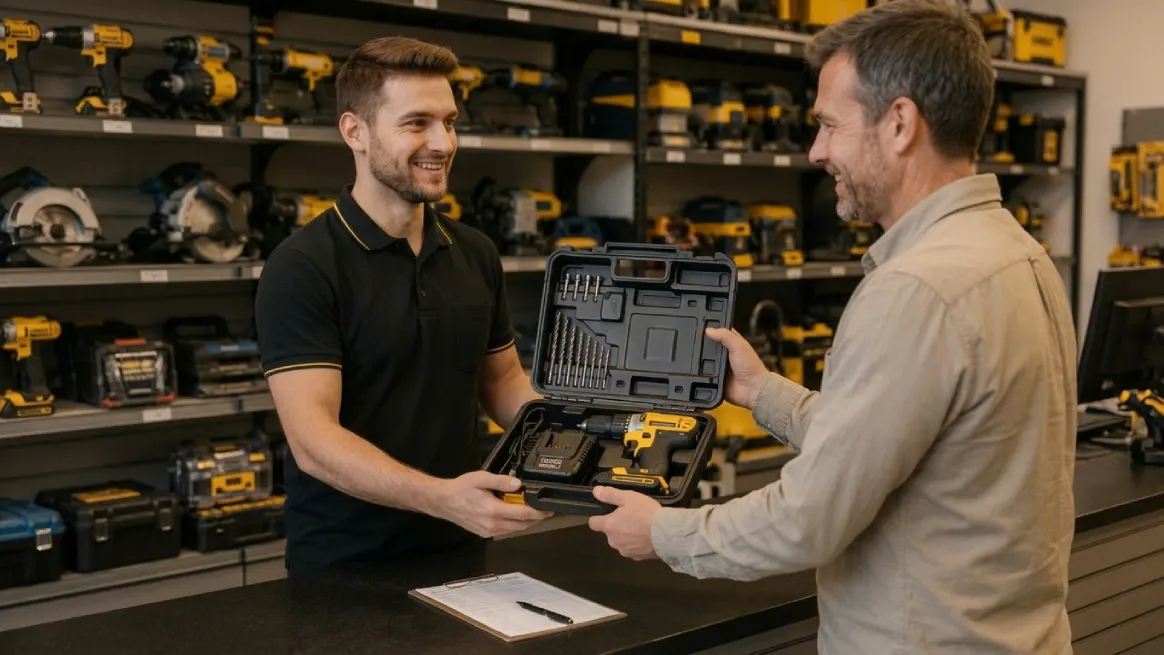
Your inventory should show each item and its current holder. Track when equipment leaves, when it returns, and whether it's ready to rent. These simple habits help prevent confusion and missed bookings.
Record Every Equipment Checkout
Record each checkout as soon as equipment leaves storage. Your equipment checkout system should connect every item to its rental. Include the asset ID, customer, checkout time, and due date.
Also note the item's condition, accessories, and responsible staff member. These details help resolve questions about overdue returns or missing parts.
For example, consider this sample checkout record:
| Detail | Example |
|---|---|
| Asset ID | PW-0118 |
| Customer | ABC Construction |
| Checked out | Oct. 21, 9:15 a.m. |
| Due back | Oct. 23, 5:00 p.m. |
| Condition | Good |
| Accessories | Hose and nozzle |
| Status | Rented out |
Note: This is an illustrative example with fictional details.
Update Records When Equipment Returns
A returned item isn't always ready for another rental. It might need cleaning, inspection, or repairs. Check the item's record as soon as it arrives.
Check returned items against the details recorded at checkout. Confirm that all accessories have come back. Record the actual return time and note any new damage. As a result, you have a written account of the item's condition.
Next, update its status based on your inspection. For example, a damaged power cord needs attention before reuse. Keep that machine unavailable until qualified staff clear it. This simple habit protects customers and helps your team avoid unsafe rentals.
Use Clear Equipment Status Labels
Clear status labels help everyone understand each item's situation. Without shared rules, staff can easily make different assumptions. One employee might mark a machine available while another expects repairs.
Choose labels that match your rental process. Explain what each label means and when staff should use it. For example, mark equipment available only when it's ready to rent. Check existing reservations before confirming its availability.
| Status | What it means |
|---|---|
| Available | Ready to rent for suitable dates |
| Reserved | Assigned to an upcoming rental |
| Rented out | Currently with a customer |
| Overdue | Past its expected return time |
| Returned, awaiting inspection | Returned but not yet cleared |
| Under repair | Being repaired or awaiting parts |
| Out of service | Not approved for rental |
| Retired | Removed from the active fleet |
Update labels whenever an item's situation changes. They make it easier to catch warning signs while they're still manageable.
Keep Availability Accurate to Prevent Double Bookings
Double bookings often start with outdated or conflicting records. An item may look available despite an existing reservation. Shared, current records help your team spot these conflicts sooner.
To prevent double bookings, check each item's schedule before confirming reservations. Record every confirmed booking in your shared tracking system. Update records when equipment gets reserved, collected, returned, or removed from service.
Remember to allow time for delivery, cleaning, and inspections. A machine may need preparation before its next rental. Check upcoming bookings alongside overdue returns and maintenance tasks. This helps you catch scheduling problems before they affect customers.
Also, check individual asset IDs when you own several similar units. Total quantities alone won't show which specific items are available. Consistent updates make it easier to give customers reliable answers.
5. Record Damage, Repairs, and Maintenance
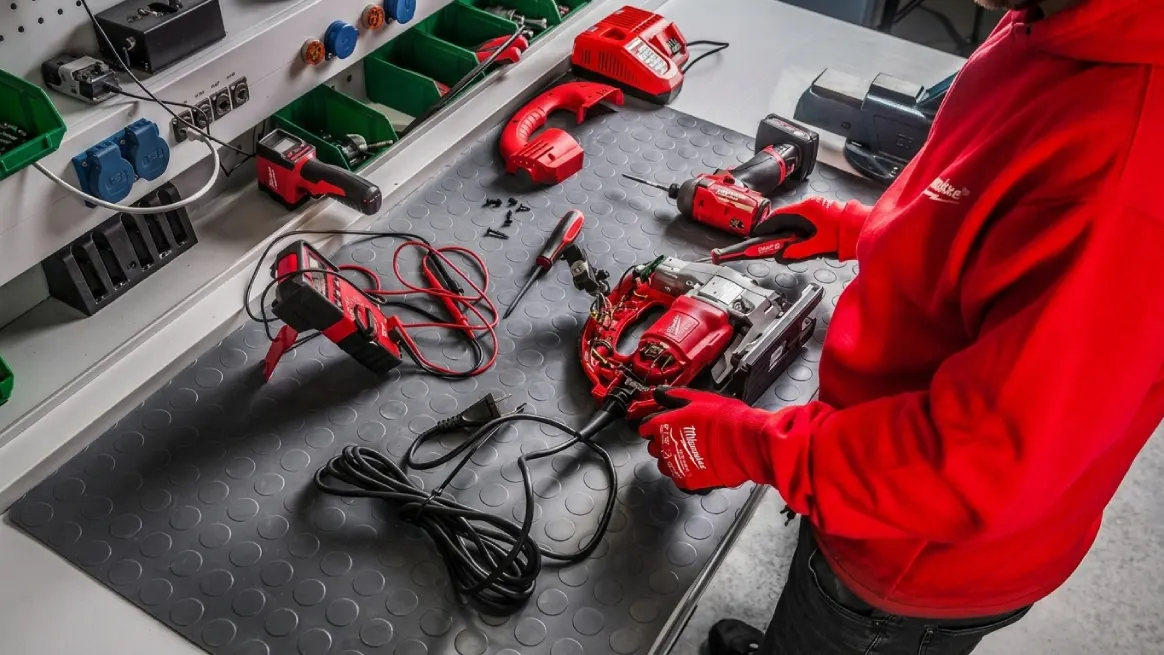
Knowing where your equipment is matters, but condition matters too. Regular inspections and clear service records help you prepare equipment for rentals. They also help you spot problems before they grow.
Without a consistent process, damaged equipment might return to circulation unnoticed. Track every condition change, repair, and scheduled service. This helps your team plan maintenance and avoid renting unsafe equipment.
Inspect Equipment Before and After Every Rental
Make inspections part of every checkout and return. Before checkout, check visible wear, safety features, and key functions. Record existing damage before the equipment leaves your premises.
When equipment returns, compare its condition with the checkout record. Look for cracks, leaks, unusual wear, and missing accessories. Record new problems and take photos when they clarify damage.
Inspection needs vary by equipment type and safety requirements. Follow manufacturer guidance and applicable rules for each item.
For example, OSHA requires covered powered industrial trucks to undergo inspections before service and at least daily. Defective trucks must remain out of service until safely restored.
Keep a Clear Record of Damage
Record damage as soon as someone discovers a problem. Clear reports help your team arrange repairs and track changes. They also provide useful details when reviewing a rental dispute.
Include the asset ID, discovery date, damage location, and description. Add photos, missing accessories, and the related rental order. Record who reported the issue and any follow-up actions.
Keep descriptions factual instead of blaming someone too soon. For example, write “cracked housing near the power switch.” This gives your team useful evidence without making assumptions. Consistent reports help everyone understand what needs attention.
Maintain Equipment Repair and Service Logs
Damage reports explain problems, while service logs track solutions. Keep both records linked to each equipment item's unique ID. This makes each item's maintenance history easier to review.
Record service dates, equipment faults, completed repairs, and replaced parts. Where possible, add the technician's name, total cost, and time the equipment remained out of service. Note upcoming service needs and confirm whether equipment can return.
Follow manufacturer instructions when planning maintenance schedules. Some equipment needs servicing based on dates or operating hours. Others require checks after certain tasks or usage levels.
Reliable records also reveal recurring faults and rising repair costs. These insights help you plan replacements and manage spending.
Remove Unsafe Equipment From Availability
When equipment needs repairs, update its status immediately. Mark it under repair or out of service. Tell the responsible staff member and keep it unavailable. Return it to service only after required work and checks.
After repairs, record completed work and confirm readiness. Then update its status so staff can check availability. Keep the same routine for digital files and paper records. Whatever tool you select, regular updates are what keep your records useful.
Clear asset records also help your team investigate missing equipment. Learning how to mark tools to prevent theft supports stronger inventory control. Pay special attention to portable, valuable, or frequently moved items. However, missing equipment alone doesn't prove theft.
Reliable condition records are only part of inventory control. Next, compare physical equipment against your recorded inventory. Regular checks help catch discrepancies before they disrupt daily operations.
6. Perform Regular Inventory Checks
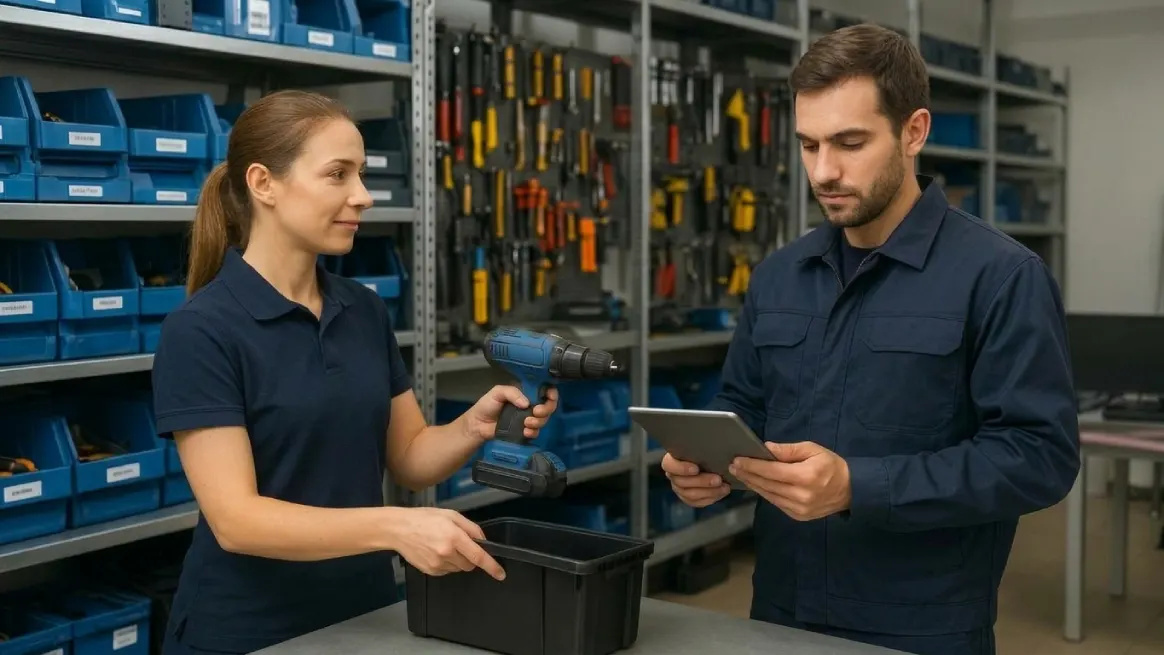
Equipment moves between storage areas, job sites, and repair shops. Sometimes, your records miss these changes. Regular inventory checks help you catch errors and maintain reliable equipment records.
Compare Physical Equipment With Your Records
During each check, compare your physical equipment with recorded inventory. Confirm each item's identity, location, and current status. Don't rely on quantities alone to confirm everything matches.
Check asset IDs and serial numbers against your records. Confirm whether each item is available, reserved, rented, or under repair. If equipment is elsewhere, verify its location and assign custodian.
These checks can reveal missing items, unrecorded transfers, and outdated statuses. Investigate differences before correcting records to avoid repeating mistakes. Accurate information helps your team plan rentals and daily operations.
Investigate Discrepancies Before Changing Records
When counts don't match, investigate before changing anything. A quick adjustment might hide the real problem. Finding the cause helps prevent the same error later.
Start by recounting equipment and checking nearby storage areas. Look in vehicles, job sites, and repair zones. Review recent checkouts, returns, transfers, repairs, and disposals. These records may explain where the difference started.
Next, verify the asset ID and serial number. Ask a coworker to verify information that looks unusual. Identify the source of the error and correct it. Record why you made the change to improve future accuracy.
Choose an Inventory Check Schedule That Fits Your Business
Not every item needs the same checking frequency. Focus first on valuable, portable, or frequently rented equipment. These items often deserve closer attention in your tracking routine.
Check high-value assets more often than low-risk items. Pay special attention to equipment moving between locations. Check equipment that your team seldom uses as well. Regular reviews can reveal old information before it causes confusion.
Build your schedule around inventory size, rental activity, and staffing. Consider past discrepancies when deciding which items need closer checks. Review your results and adjust the schedule as needed. These practical guidelines help you focus effort where it matters.
Try Cycle Counting Instead of Counting Everything at Once
A full inventory count checks every item within a set period. However, counting everything together can take considerable time. It may also interrupt busy rental operations.
Cycle counting breaks inventory checks into smaller, recurring tasks. Count generators one week and portable tools the next. Then check another equipment group according to your schedule. This approach spreads the workload across your team.
You can review overdue rentals and open checkouts daily. Schedule physical counts based on equipment value and risk. Adjust your routine during busy seasons or after expansion. Consistent checks help you track inventory more effectively and catch discrepancies sooner.
7. Make Smarter Decisions With Equipment Inventory Data

Let accurate equipment information guide your business decisions. Review rental frequency, idle time, repair costs, and customer demand. These patterns show which assets support growth and which need attention.
Use this information to plan purchases, adjust rates, and schedule repairs. You'll make decisions based on real business activity, not guesses. Over time, these insights can help you improve rental return on investment and manage your equipment budget wisely.
Track Equipment Performance With Useful Metrics
Start by reviewing individual assets and broader equipment categories. Choose metrics that answer your most important business questions. Track the same measures regularly to spot meaningful changes.
| Measure | What it tells you | How to use it |
|---|---|---|
| Rental frequency | How often an item rents | Identify popular equipment |
| Utilization rate | Share of available time rented | Compare equipment performance |
| Idle time | Time spent unrented | Consider relocation or promotions |
| Downtime | Time unavailable for rentals | Identify repair delays |
| Repair costs | Spending on maintenance and repairs | Review repeated expenses |
| Customer demand | Requests and unfilled bookings | Assess future equipment needs |
| Revenue per asset | Rental income from each item | Compare income with costs |
Use consistent definitions when comparing performance. Calculate time-based utilization by dividing rental days by available rental days. Multiply the result by 100 to get a percentage.
Remember, high utilization doesn't always mean higher profits. An item might rent often but require costly repairs. Review income, expenses, and downtime together before deciding.
Use Inventory Data to Guide Equipment Purchases
Frequent rentals can signal strong demand for certain equipment. However, don't rush to buy another unit immediately. Check booking patterns, seasonal changes, and operating costs first.
If demand stays strong and profitable, consider adding equipment. If items sit idle, explore relocation or suitable rental packages. Plan routine maintenance during quieter periods when practical. Never delay essential service just to protect rental time.
Replacement decisions also deserve careful attention. Repeated faults and rising repair costs can signal bigger problems.
Extended repair periods may leave customer requests unfulfilled. Compare these costs with the benefits of newer equipment.
Consider storage, transportation, financing, and maintenance capacity before purchasing. A short demand spike may not justify a lasting expense. Review longer-term patterns before committing your budget to another asset.
Use Repair and Downtime Records to Review Replacements
Equipment age alone doesn't tell the whole story. A well-maintained older unit might still perform reliably. A newer unit with repeated faults could cause costly delays. Review condition, performance, and repair history before deciding.
Compare replacement costs with repair spending and expected service life. Consider downtime, missed rental opportunities, and customer demand, too. Safety concerns and required maintenance also affect replacement decisions.
Look for patterns over time instead of reacting to one expensive repair. A maintenance-cost ratio can help organize your review. However, no single percentage suits every equipment category.
Choose a method that suits your business operations. You may need to repair, replace, or sell certain equipment. Compare expected costs, equipment condition, and future demand first. This helps you make practical decisions with greater confidence.
Use Inventory Data to Review Rental Rates
Inventory records can help you price rental rates more thoughtfully. Consider customer demand alongside the cost of keeping equipment ready. Include financing, insurance, storage, maintenance, repairs, and transportation expenses.
Equipment that books consistently may justify reviewing its rates. Items with long idle periods might benefit from promotions or relocation. Seasonal demand can also guide your pricing plans. Compare these patterns before changing your rates.
However, high utilization doesn't guarantee a healthy profit. An item may rent frequently but still cost too much. Review revenue, operating expenses, and downtime together before making changes.
Your goal is to understand each asset's business performance. Make business decisions using verified details, not assumptions. This approach helps you manage equipment and spending more confidently.
Common Equipment Inventory Tracking Mistakes to Avoid
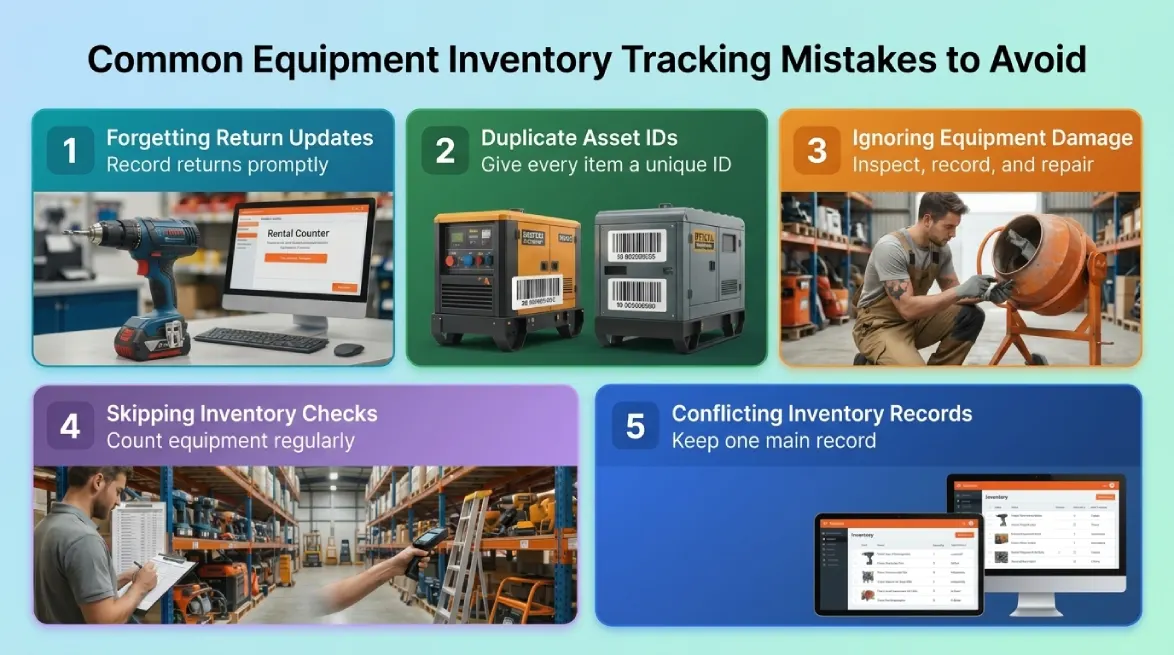
Even a good inventory system can fail without consistent updates. Small mistakes can affect availability, maintenance, and customer service. Fortunately, a few simple habits can prevent these problems.
Forgetting to update returns can leave equipment records outdated. Always record returns and check conditions before changing status.
Duplicate asset IDs also create confusion between similar equipment. Give every item a unique ID to protect its history.
Ignoring damaged equipment creates safety risks and unexpected delays. Record problems promptly and restrict rentals until staff clear equipment.
Skipping physical counts can also hide missing items or errors. Regular checks help you optimize inventory and catch discrepancies early.
Finally, keep one main inventory record for your team. Document equipment transfers, assign update responsibilities, and investigate recurring mistakes. These habits support reliable records and smarter rental decisions.
Which Equipment Inventory Tracking Method Is Best?
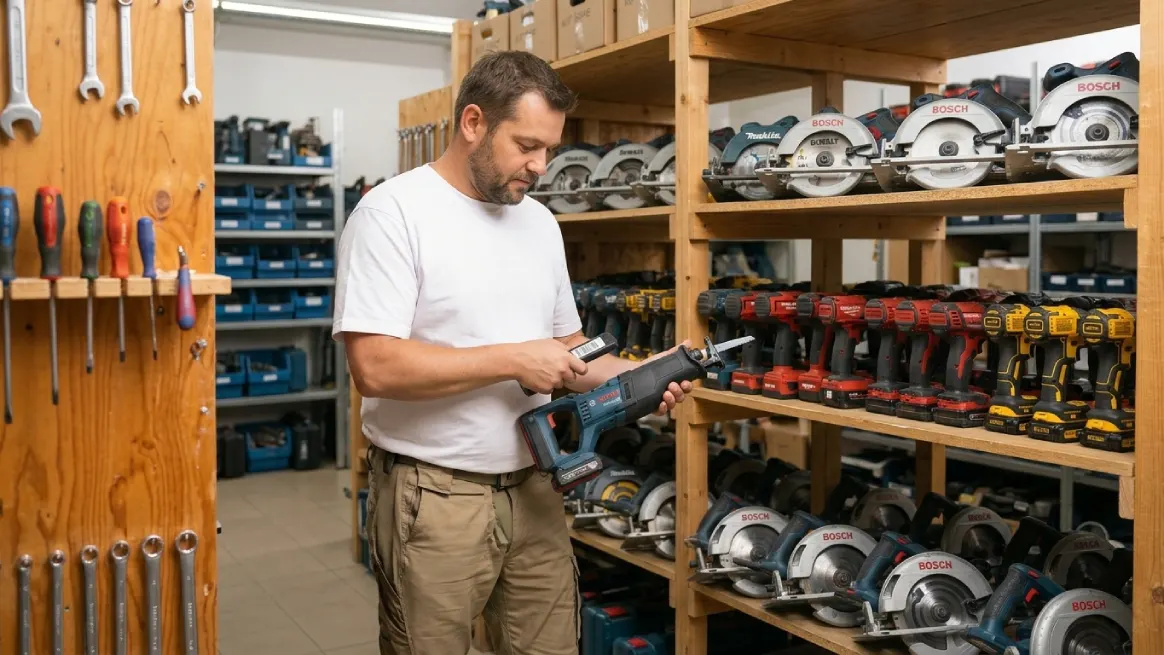
The right tracking method depends on your equipment and rental activity. Your team size and daily workflow matter, too. A simple system may work well for smaller businesses. Growing rental operations often need faster updates and better coordination.
| Method | Best suited for | Main limitation |
|---|---|---|
| Paper logs | Very small inventories | Difficult to search and update |
| Spreadsheets | Small, stable inventories | Depend on manual updates |
| Barcode tracking | Frequent checkouts and returns | Requires labels and scanning tools |
| Rental management software | Growing rental operations | Requires setup, training, and budget |
Paper logs and spreadsheets suit small inventories but require manual updates. As rentals grow, conflicting records waste time. Barcode tracking speeds identification, while rental software can connect inventory, bookings, customers, maintenance, and reporting.
Before choosing, review your equipment rental software requirements against your workflow. Consider inventory control, booking coordination, maintenance records, and reporting.
Calculate how much time and rework the system could save. This comparison helps you estimate the return on investment. Choose a method that fits today and supports future growth.
Simplify Equipment Tracking and Keep Your Rental Business Moving
Managing inventory gets harder as your rental business grows. Outdated spreadsheets, unclear availability, and missed maintenance can waste valuable time.
RentMy lets teams track equipment and manage other rental tasks together. Individual asset and barcode tracking help staff identify equipment quickly. Inventory reports and utilization data reveal performance trends, while maintenance schedules support better planning.
Connected inventory and booking records help coordinate reservations and returns. This can reduce scheduling conflicts, save administrative time, and increase booking opportunities. Accurate records also support smarter purchasing and replacement decisions.
Simplify Your Equipment Tracking with
Track availability in real time, prevent double bookings, and manage your entire rental fleet with ease.
- Free 14-day trial
- No credit card required
Final Thoughts
Well, that brings us to the end! We’ve covered how to keep track of equipment inventory, from assigning asset IDs and tracking returns to managing maintenance and choosing suitable tools.
Remember, accurate inventory records do more than keep equipment organized. They help you avoid booking conflicts, spot problems early, and make smarter business decisions.
Start small: update your inventory and review equipment status. As your business grows, RentMy can help simplify equipment tracking and manage rental operations.
FAQs
What Is the 80/20 Rule for Inventory?
The 80/20 rule suggests that a small share of inventory often drives most value or sales. Use ABC analysis to prioritize important equipment. Remember, actual percentages vary across businesses and inventory types.
Can I Use Excel to Keep Track of Inventory?
Yes. Excel lets you track item names, unique IDs, quantities, locations, and equipment status. Update your spreadsheet after every movement. As rentals grow, manual updates and shared files can become harder to manage.
What Is the Easiest Way to Track Inventory?
Start with one organized spreadsheet listing unique IDs, locations, conditions, and current statuses. Update records after every equipment movement. For frequent rentals or larger teams, shared inventory software can simplify tracking.
How Are Asset Tracking and Inventory Management Different?
Inventory tracking monitors quantities, availability, and equipment movement. Asset tracking follows individual items, including location, condition, maintenance, and usage. Rental businesses often need both to manage bookings and protect valuable equipment.
When Should a Business Use Equipment Inventory Management Software?
Consider inventory software when spreadsheets become difficult to manage. It also helps when staff struggle to confirm availability or bookings conflict. The right system can connect inventory, reservations, maintenance, and reporting as your business grows.
How Can Barcodes Help Track Equipment Inventory?
Barcodes make equipment tracking quicker and easier. Each barcode links an item to its digital record. Your team can scan items during checkouts, returns, and transfers. Keep records updated to maintain accurate inventory information.


